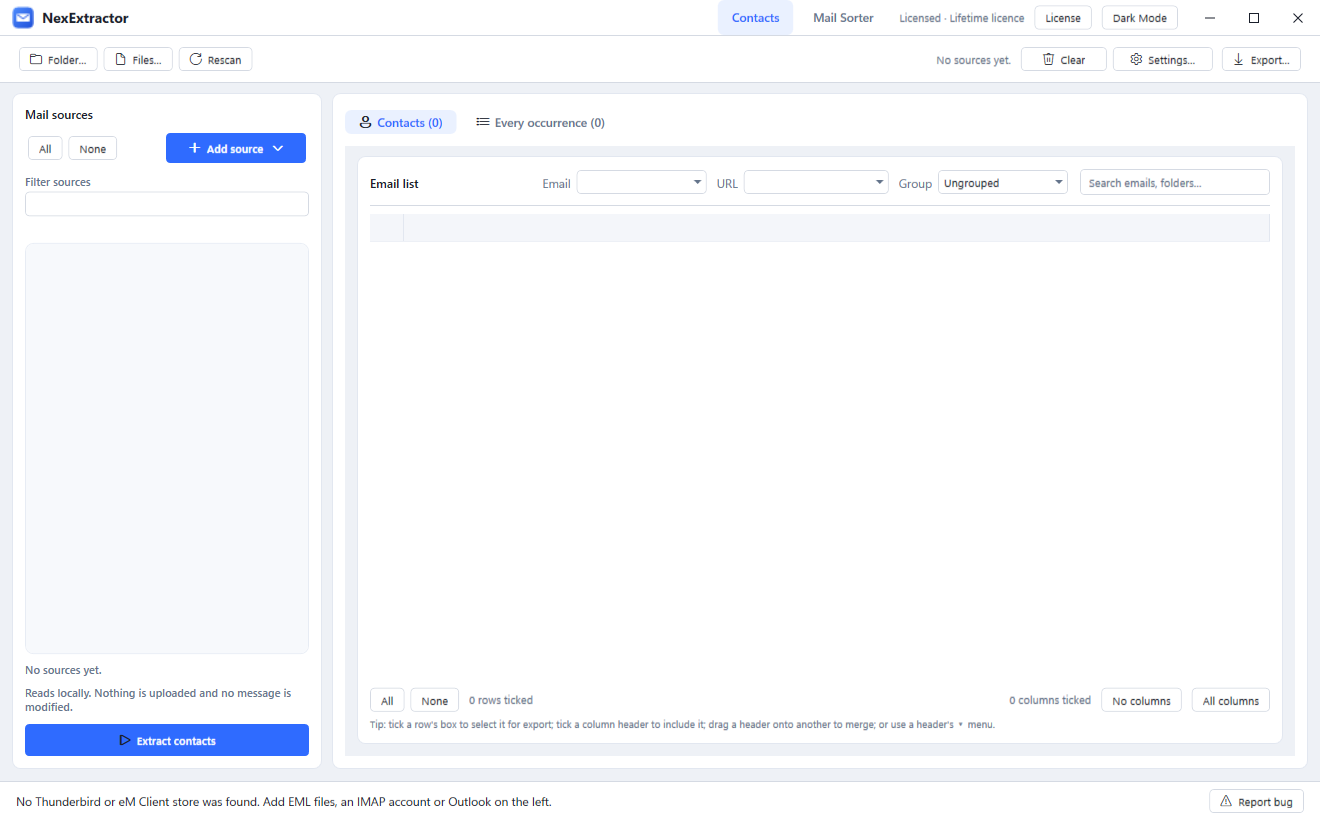
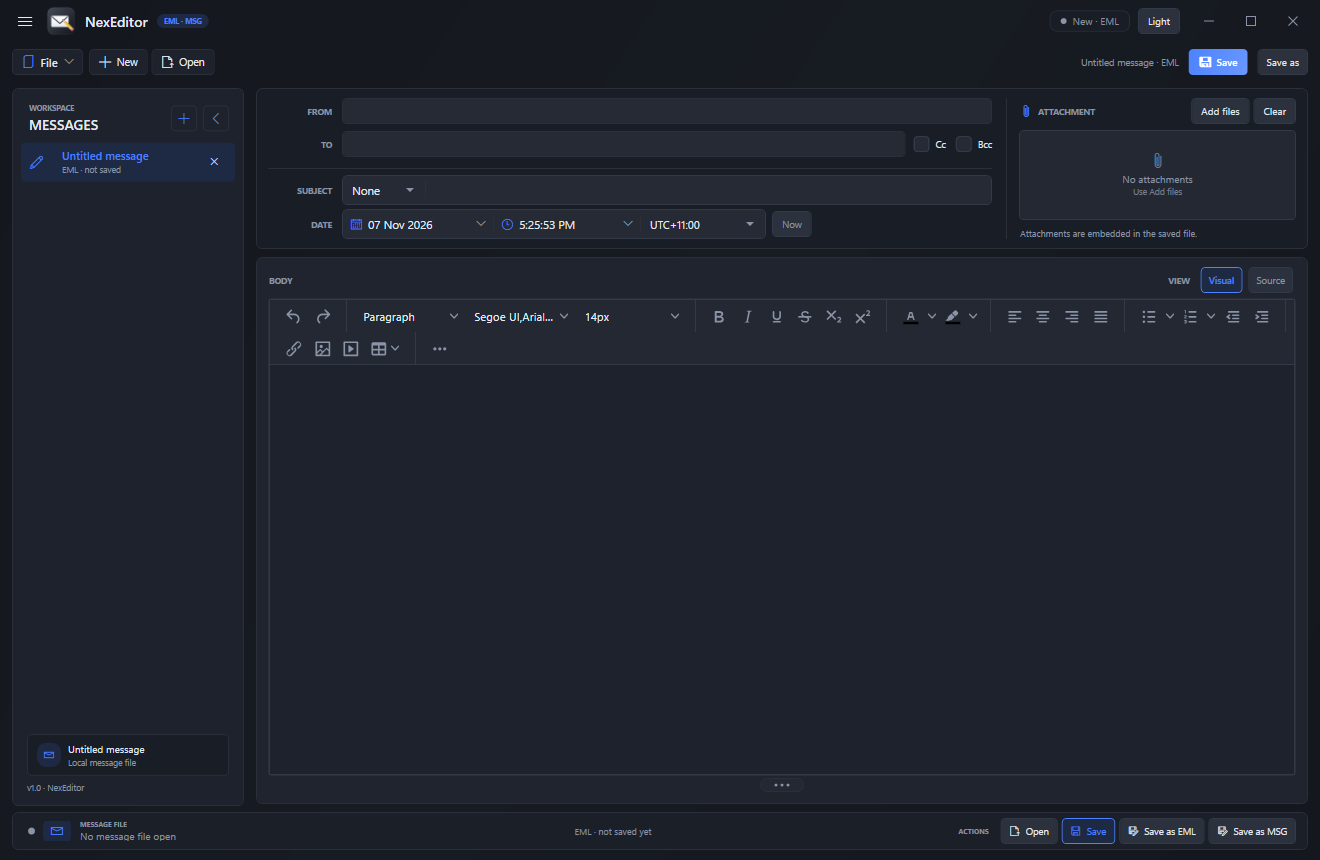
NexEditor is a focused Windows editor for .eml and .msg email files. Open a message, edit its headers, body and attachments, and save it back to either format without an email account.
WHAT IT DOES
• Open .eml with MimeKit and .msg with MsgReader.
• Edit From, To, Cc, Bcc, Subject and the message Date.
• Themed calendar and time popovers, UTC offset and a Now shortcut; saves standard RFC 5322 dates.
• Visual TinyMCE body editor or raw HTML Source mode.
• Add, remove, preview and save attachments; inline cid: images are preserved.
• Multi-message workspace rail with Ctrl+Tab switching and per-message unsaved state.
• Save, Save as EML or Save as MSG; convert between formats.
• Open from Explorer, the command line or drag-and-drop; a second launch forwards the file.
• Light and dark theme, single-instance behaviour and NexClient-style window chrome.
PRESERVES
• Extra headers, Message-ID, date, inline images and cid: references.
• Attachment bytes and names; no server or account needed.
• Atomic saves so a failed write cannot truncate the original message.
REQUIREMENTS
• Windows 10 version 1809 or newer, x64, and the .NET 8 desktop runtime.
• WebView2 runtime for the visual editor; it falls back to the HTML source box if missing.
• One licence per PC; portable single EXE available.
LIMITS
• .msg writing rebuilds standard mail properties; Outlook-only metadata such as categories, flags, signatures and custom forms is not preserved.
• External-reference .msg attachments are intentionally not resolved.
• Nested message/rfc822 parts stay as attachments.
Lifetime licenceOne machine per key, yours to keep.
Instant deliveryKey + download released after payment.
Windows desktopWindows 10/11, 64-bit.
Direct supportTalk to the person who builds it.
Reviews
What buyers say about NexEditor
Only customers with a paid order can review. Every review is checked before it is published.
No reviews yet. Bought NexEditor? Sign in and tell other buyers how it went.
 Email Delivery
Save 48% Trial